Back to FAQ Article
How can I share a video?
To reduce spam and prevent plagiarism or copyright issues, we only allow you to share videos from your own account/content.
To share a video from your YouTube account, you’ll first need to connect it to your GameTyr account:
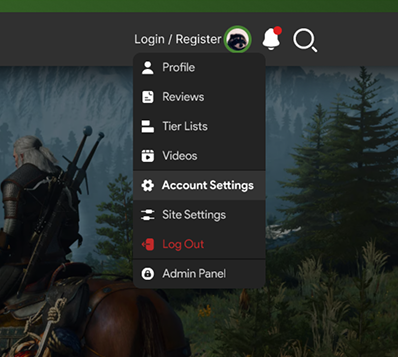
- Click your profile picture in the top-right corner and select Account Settings.
- Select Account from the left-hand menu.
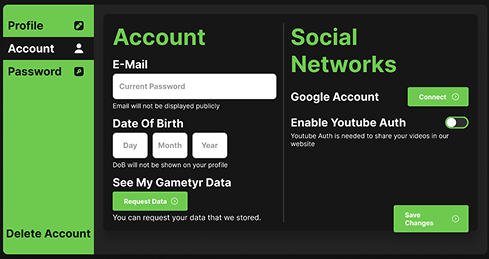
- Enable YouTube Authentication
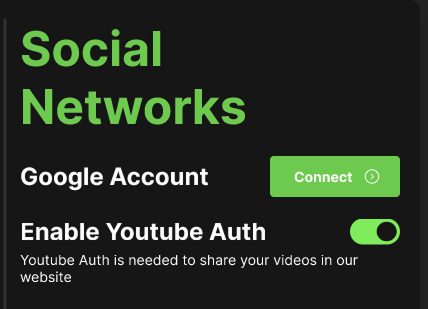
Once connected, you’ll be able to share videos directly from your YouTube channel.
Last updated: August 3, 2025
© 2026 GameTyr. All rights reserved.