Back to FAQ Article
How do I edit or remove content that I've submitted?
You can manage your submissions through your profile:
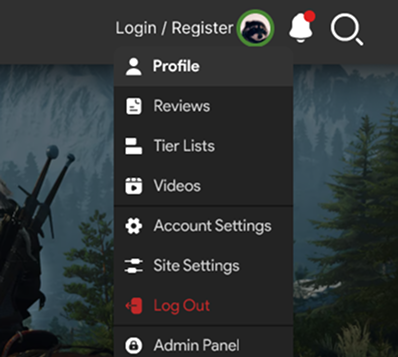
- 'Click your profile picture in the top-right corner and select Profile.'
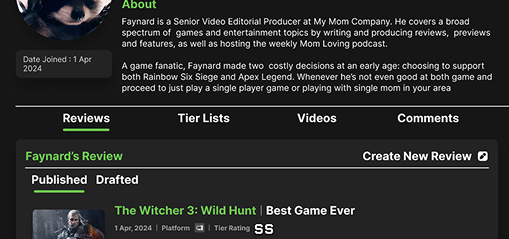
- Inside your profile, open the relevant tab (Reviews, Tier Lists, Comments, or Videos).
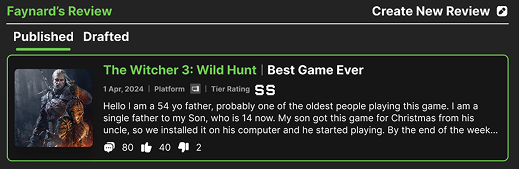
- Select the submission you’d like to manage. This will redirect you to the content page for that entry.
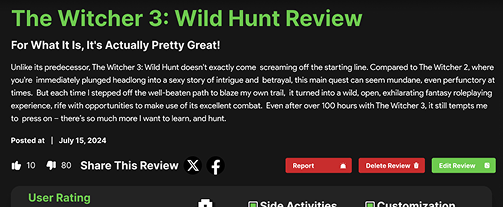
- On the content page, you’ll find options to Edit or Delete.
Last updated: August 3, 2025
© 2026 GameTyr. All rights reserved.